---
updatedAt: 2025-02-13T17:50:48.000Z
agentTools:
projectIndex: https://docs.emergetools.com/llms.txt
---
# Pull Request Comments
An Emerge PR comment helps developers understand the impact of their change directly in pull requests. The comment is broken down into 3 sections.
## Diff Treemap
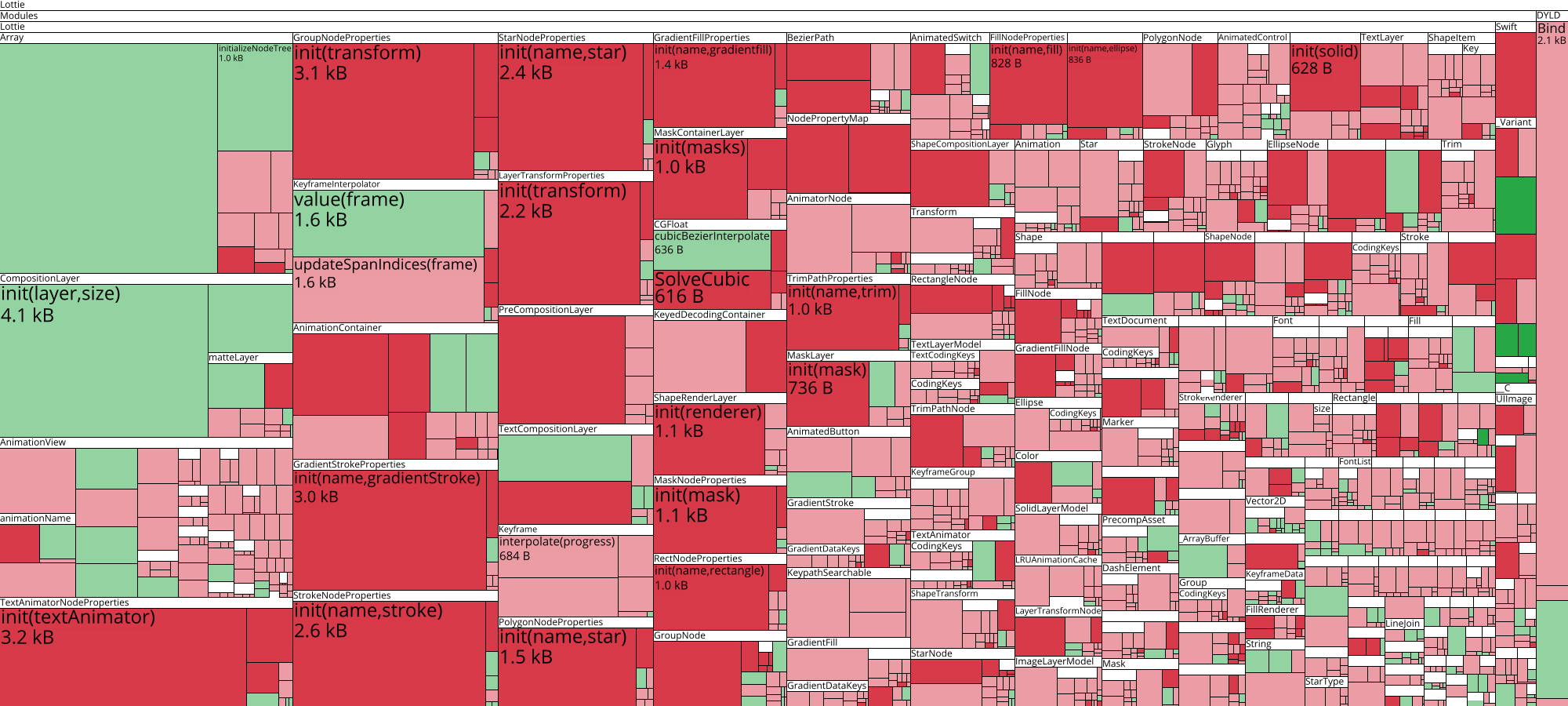
This portion of the comment shows a hierarchical overview of the change that was made in a similar format to the [build page treemap](https://docs.emergetools.com/docs/treemap). Each color represents a type of change. Red is for removals and green is for additions, just like in a PR diff.
* Removed ■
* Decreased ■
* Added ■
* Increased ■
## Table Breakdown
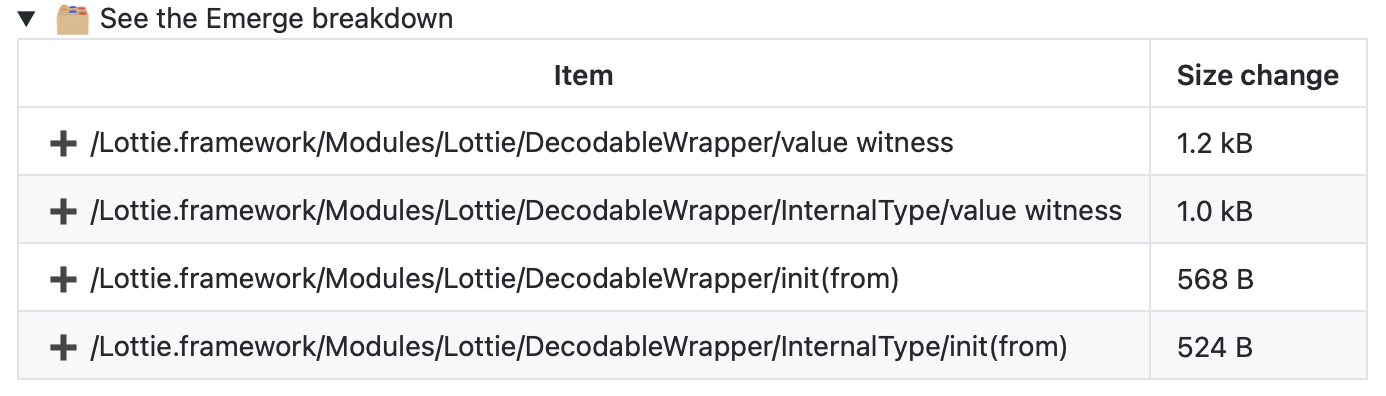
The table format shows the largest leaf nodes in your app's breakdown. The top 20 elements with a size over 500 bytes are displayed.
## Footer
At the bottom of each comment you'll see a link to the full build details as well as the base build that was used to generate the diff.
## Size Threshold
By default comments will only post if the size change is over 100 KB. You can configure the size threshold for comments from your Emerge profile page. [Status checks](https://docs.emergetools.com/docs/status-checks) will show for all PRs.
# Comment History
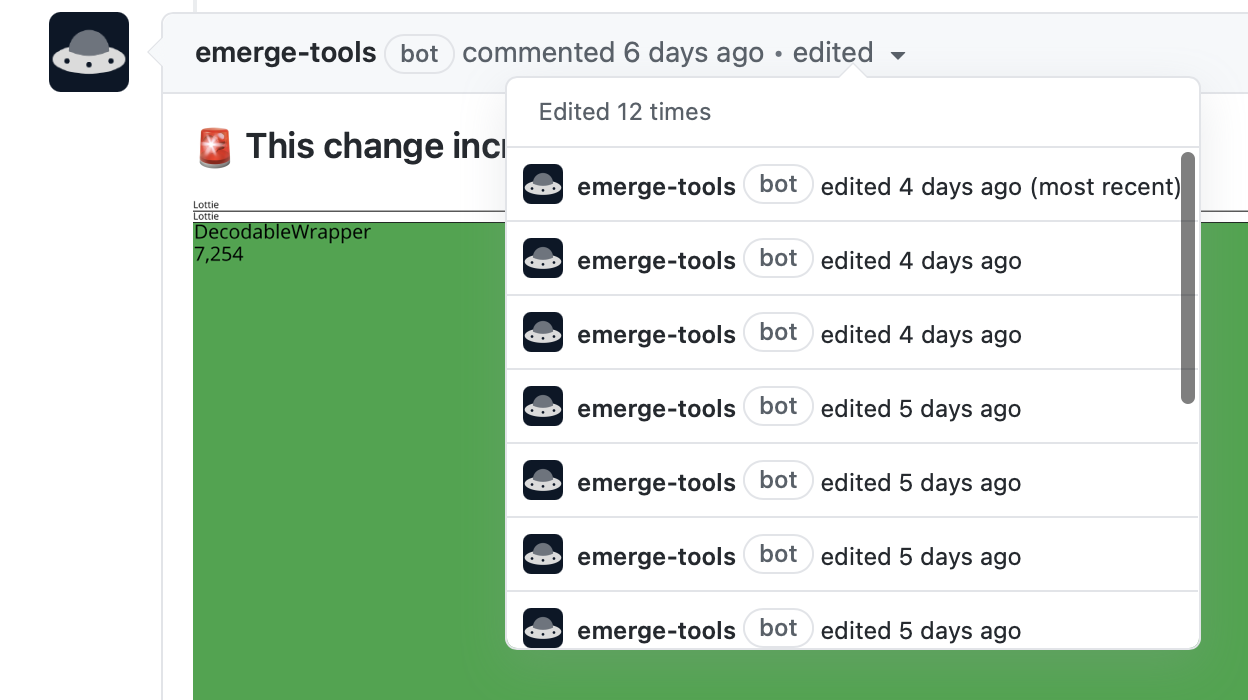
Emerge overwrites the comment each time a PR is updated, but you can view the full edit history of each comment to see how the PR has changed.